 SAT-CHAIN
Never lose an AI conversation again.
LISA saves your chats from 12 AI platforms, keeps long conversations sharp, and moves them to a fresh session, on the same AI or another one, without starting over.
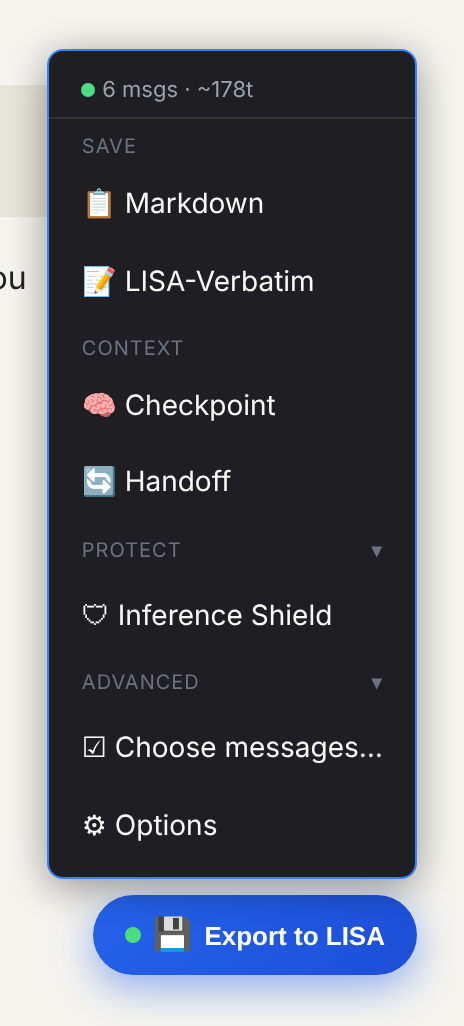
One button on every AI chat
Save the conversation as readable Markdown, or as LISA-Verbatim: every word, with integrity hashes, ready for another AI to pick up.
A health dot turns from green to yellow to red as a long chat starts to strain the AI's memory. Checkpoint asks the AI to sum up where you are, and LISA keeps the answer.
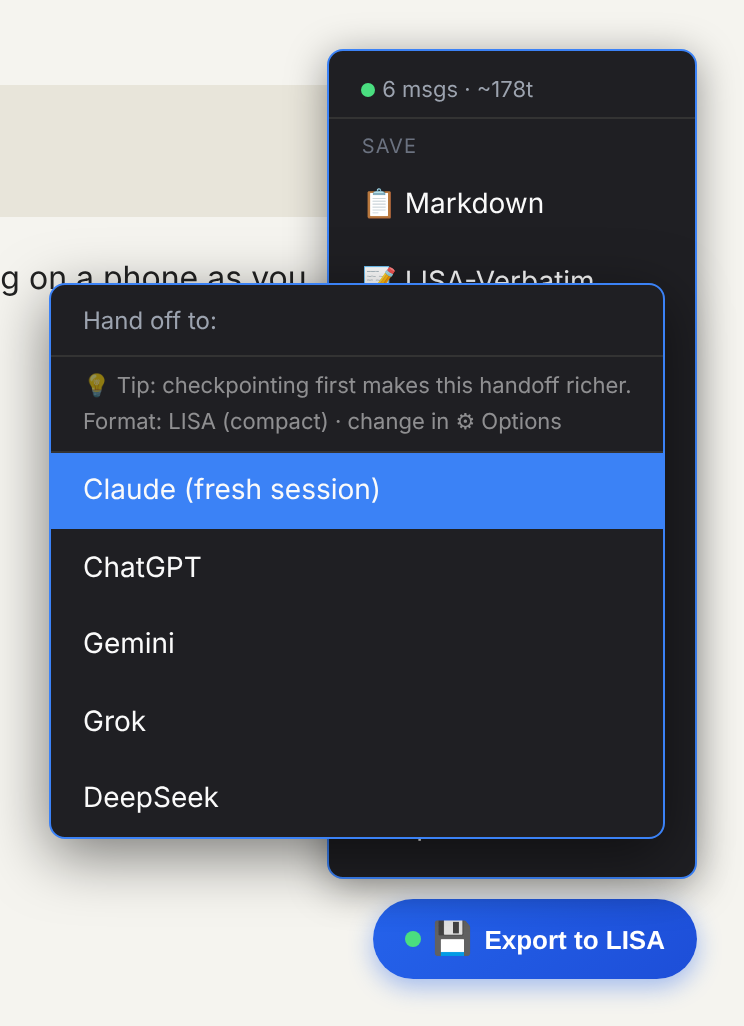
Hand off to a fresh session
When a chat gets slow or forgetful, Handoff opens a new chat, on the same AI or another one, and attaches the conversation so far. Compact LISA format, or the full text word for word.
Same conversation, same handoff. LISA builds the handoff in your browser, without an AI: the opening, the latest messages and every ☆ message go across word for word, and only the middle is compressed. Ask an AI to summarise a chat twice and you get two different summaries; ask LISA twice and you get the same handoff. It costs no tokens.
Works from and to all 12 platforms. For richer context, add a Checkpoint first (written by the chat's own AI).
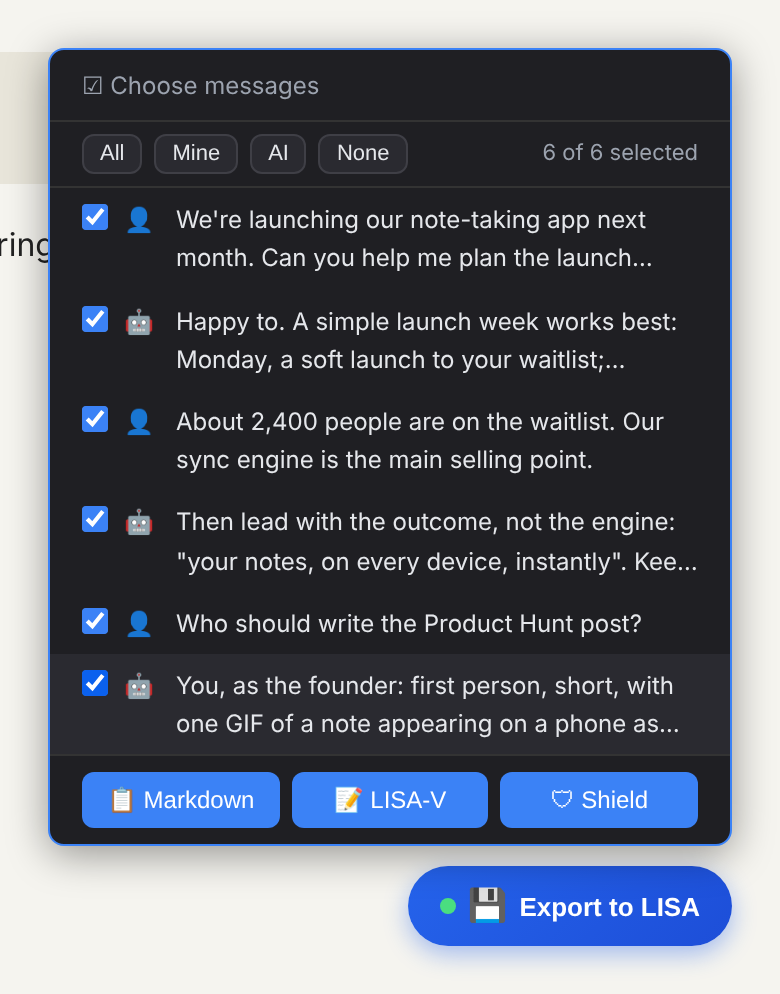
Save exactly what you need
Keep only your messages, only the AI's replies, or tick individual messages. Partial saves are always labelled as partial, so nobody mistakes them for the whole conversation.
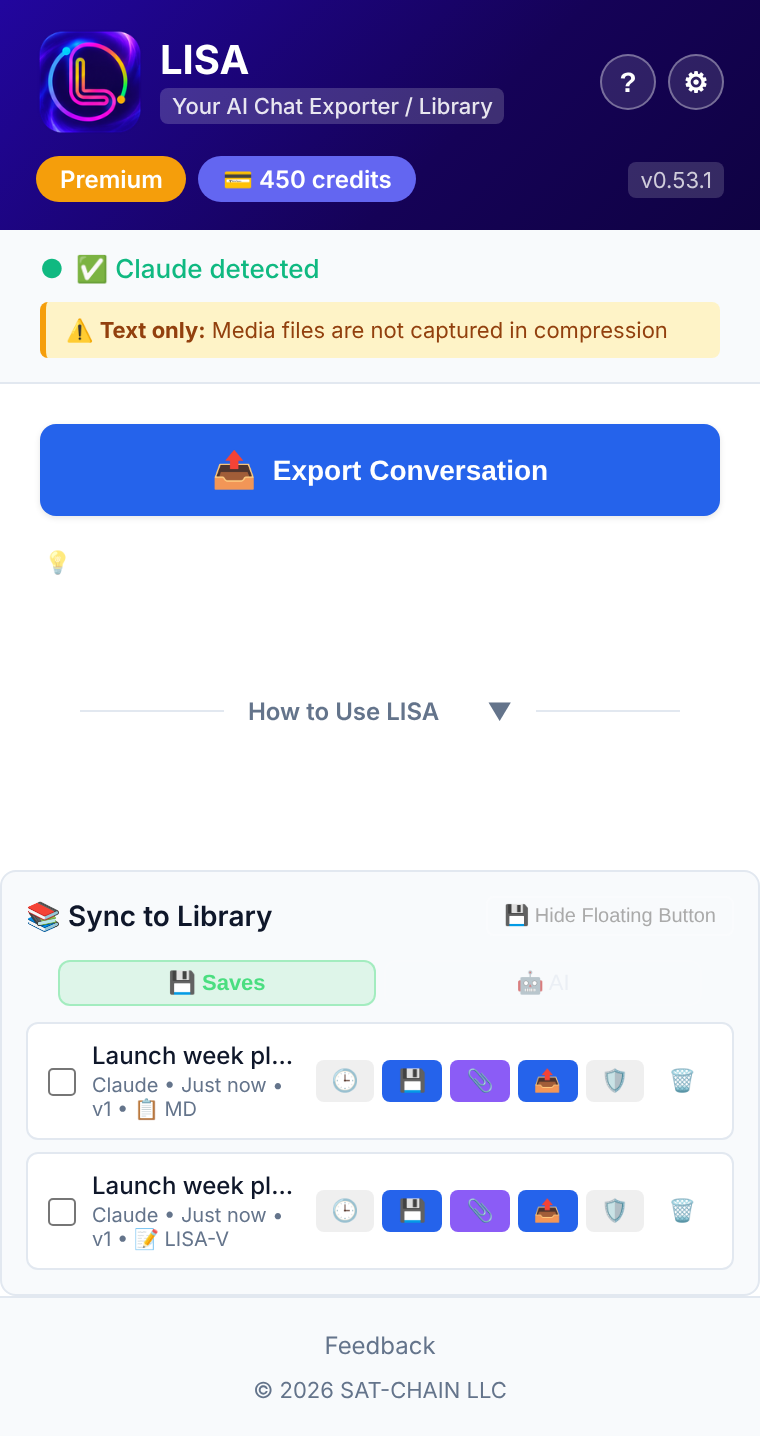
Your library, in your browser
Every save lands in the popup's library, on your computer. Download it, attach it to the AI chat you have open, send it to your online Library in LISA Nexus, or check it with Inference Shield before you share it.
Pricing
Free to install. Everything LISA does on your computer is free and unlimited; credits pay for AI. Credits and plans are shared with LISA Nexus and Inference Shield.
Free
Unlimited Markdown and LISA-Verbatim saves, compression, Checkpoint, Handoff and ☆ stars. A library of 25 conversations; a free key (by email) unlocks more, plus Choose messages and Options.
Credits
5 per AI compression, plus Inference Shield runs. New keys start with 50 free. Never expire.
Pro
Unlimited exports, AI compression, cloud sync, and 300 credits a month.
Your conversations stay yours
- Saves stay in your browser unless you choose to send them to your online Library.
- Nothing leaves your computer until you pick an action that needs it, such as AI compression or Handoff.
- AI compression uses providers whose API terms exclude training on your data.
Part of the LISA Suite
One license key and one credit balance across three tools.
LISA extension
Saves, compresses and hands off your AI conversations on 12 platforms.
LISA Nexus
Turns long chats and documents into compact AI memory, and keeps your Library online.